M-Launcher logo M-Launcher

The professional Launchpad alternative for macOS

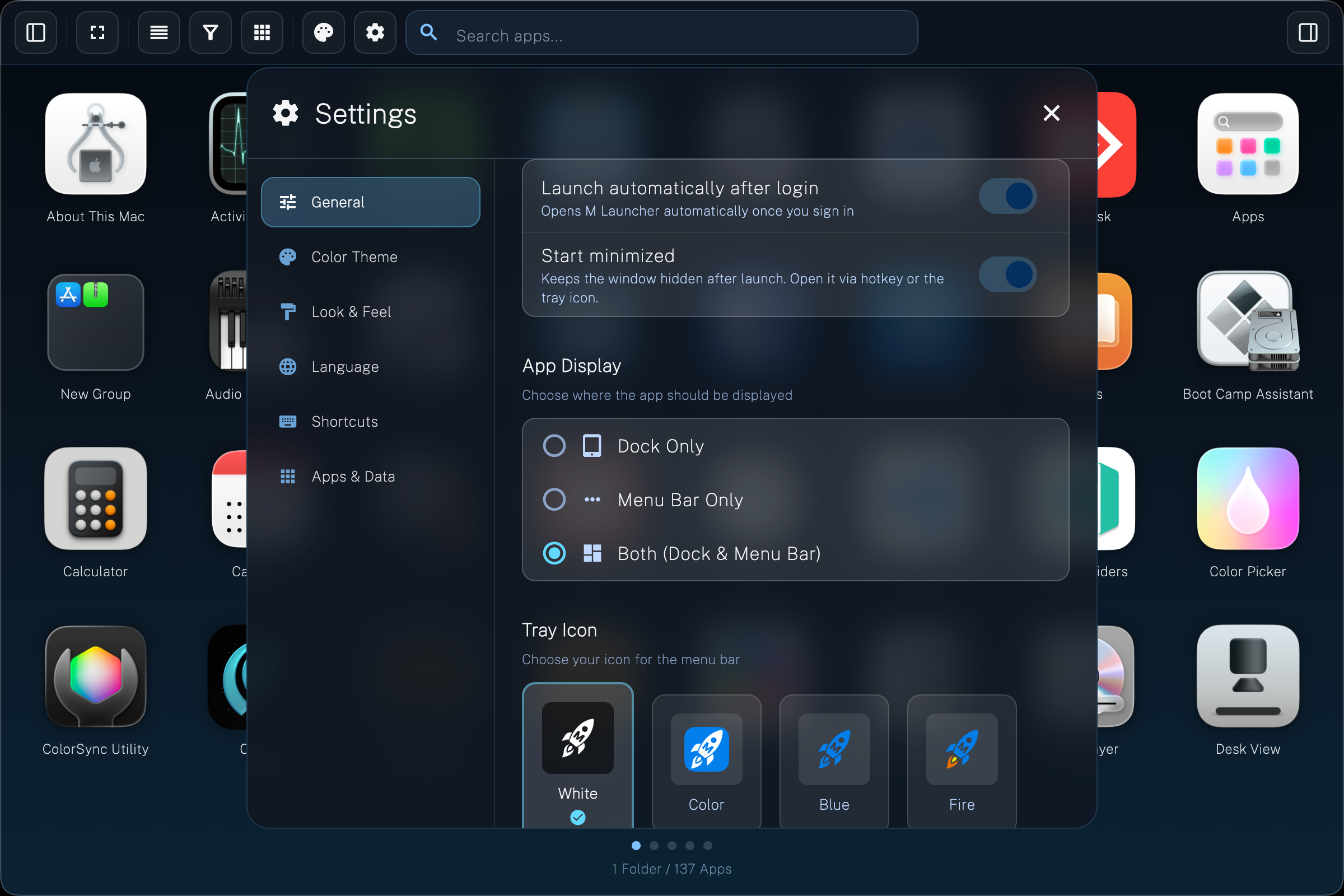
App launcher with Explorer sidebar for apps, favorites, and system-wide locations.
Open with hotkey, 5 views, tabs or folders – 38 themes included.

For macOS 12+ – Apple Silicon & Intel


From chaos to order

The grid you know –
just far more powerful.

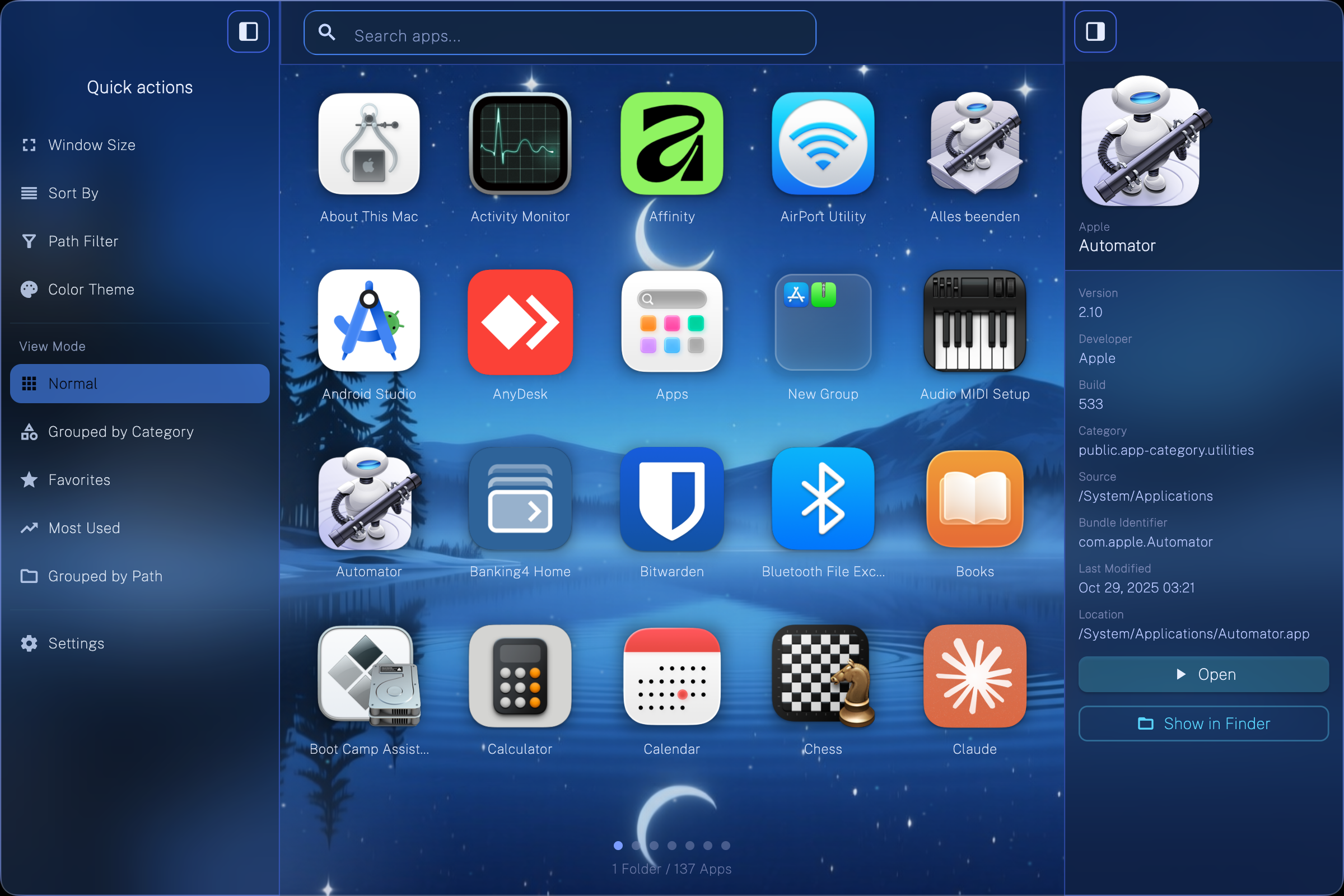
Open M-Launcher via hotkey: the Explorer sidebar shows All Apps, Favorites, Recently used and system folders at a glance. Organize your collection in tabs or folders – both views share the same structure. Five view modes (Standard, Categories, Favorites, Most used, By path) keep even large libraries tidy.

Features

38 themes. 16 languages.
Complete control.

From Explorer sidebar to five views, detail sidebar and Parallels integration – M-Launcher is the reimagined Launchpad for power users, creatives and teams.

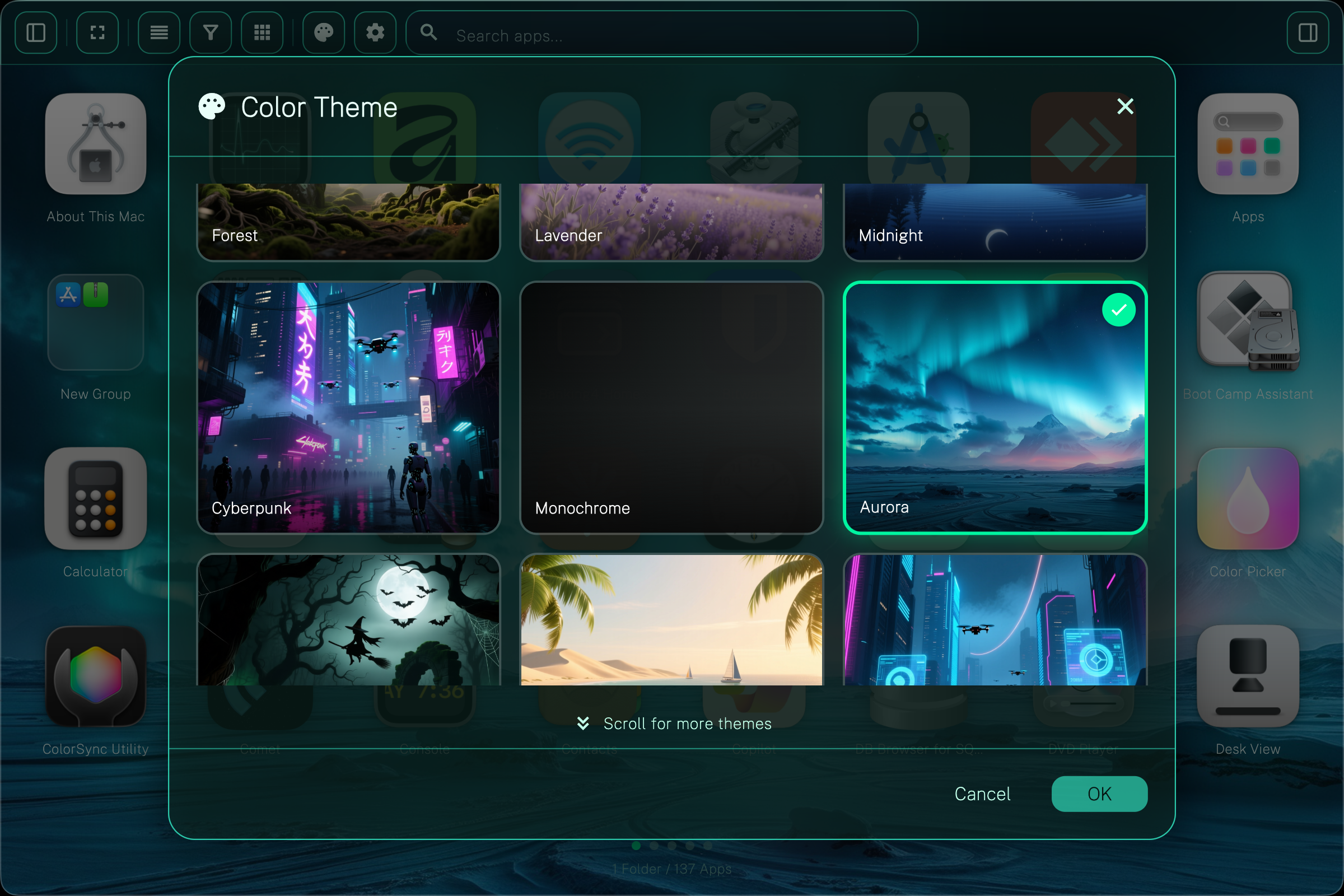
38 themes with animated effects

🎨 38 Themes & Styles

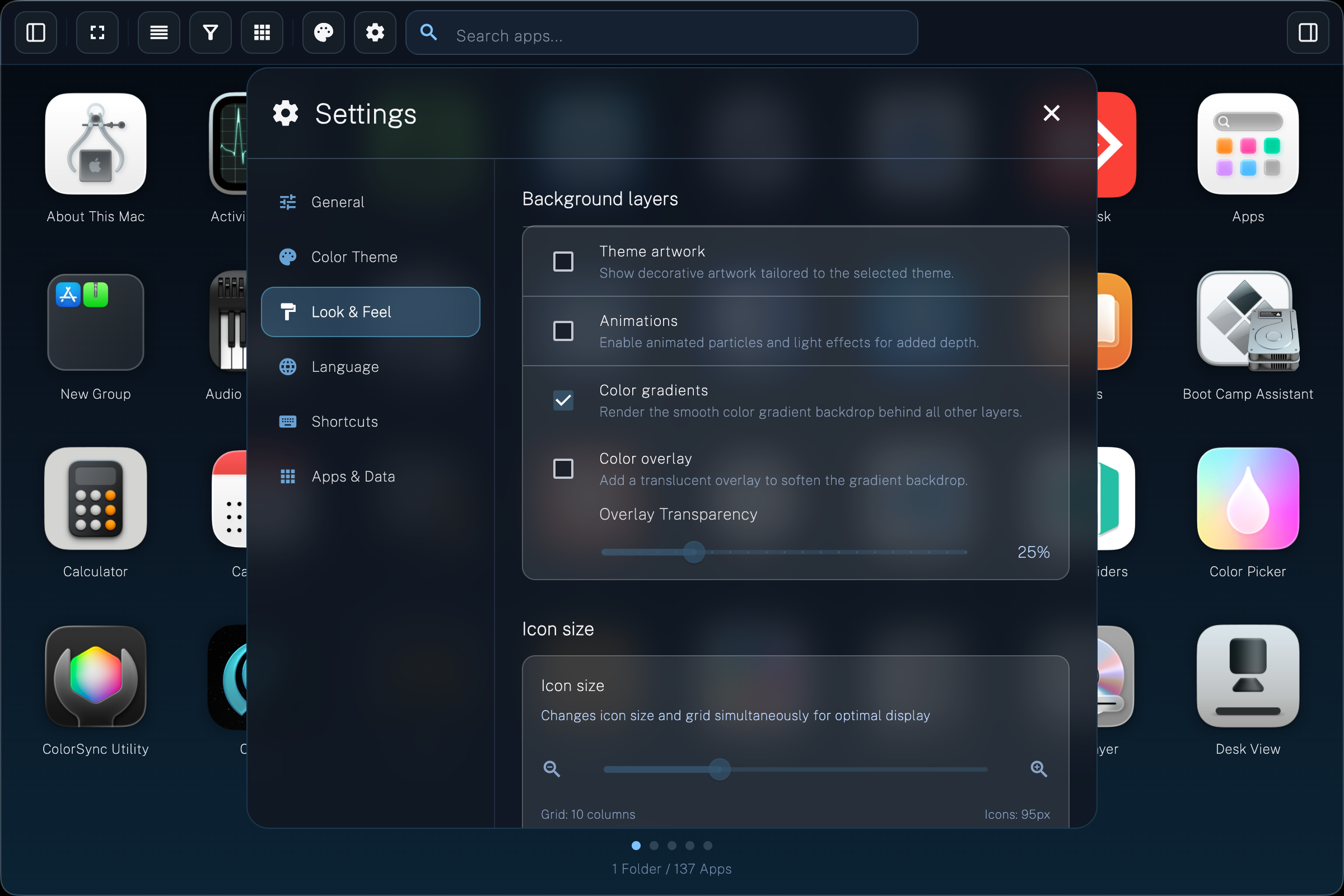
Perfectly match the look to your setup: 38 themes – seasonal, modern or minimalist. Animated backgrounds, transparency effects, three icon sizes (small/medium/large), adjustable label font size and flexible icon and folder spacing in the grid.
Detail sidebar with app info

ℹ️ Detail Sidebar

More than just an icon: the detail sidebar shows installation path, version, developer signature and last use. Perfect for telling apart different app versions or finding the location. With a direct "Show in Finder" button.

Groups, tabs and folders

📂 Groups, Tabs & Folders

Create your own groups as tabs – for "Work", "Games", "Design" or "Tools". Inside each group: folders for themed collections (e.g., "Browsers", "Office"). The Explorer sidebar on the left shows All Apps, Most used, Favorites and system folders.

Parallels integration

⚡ Parallels & More App Sources

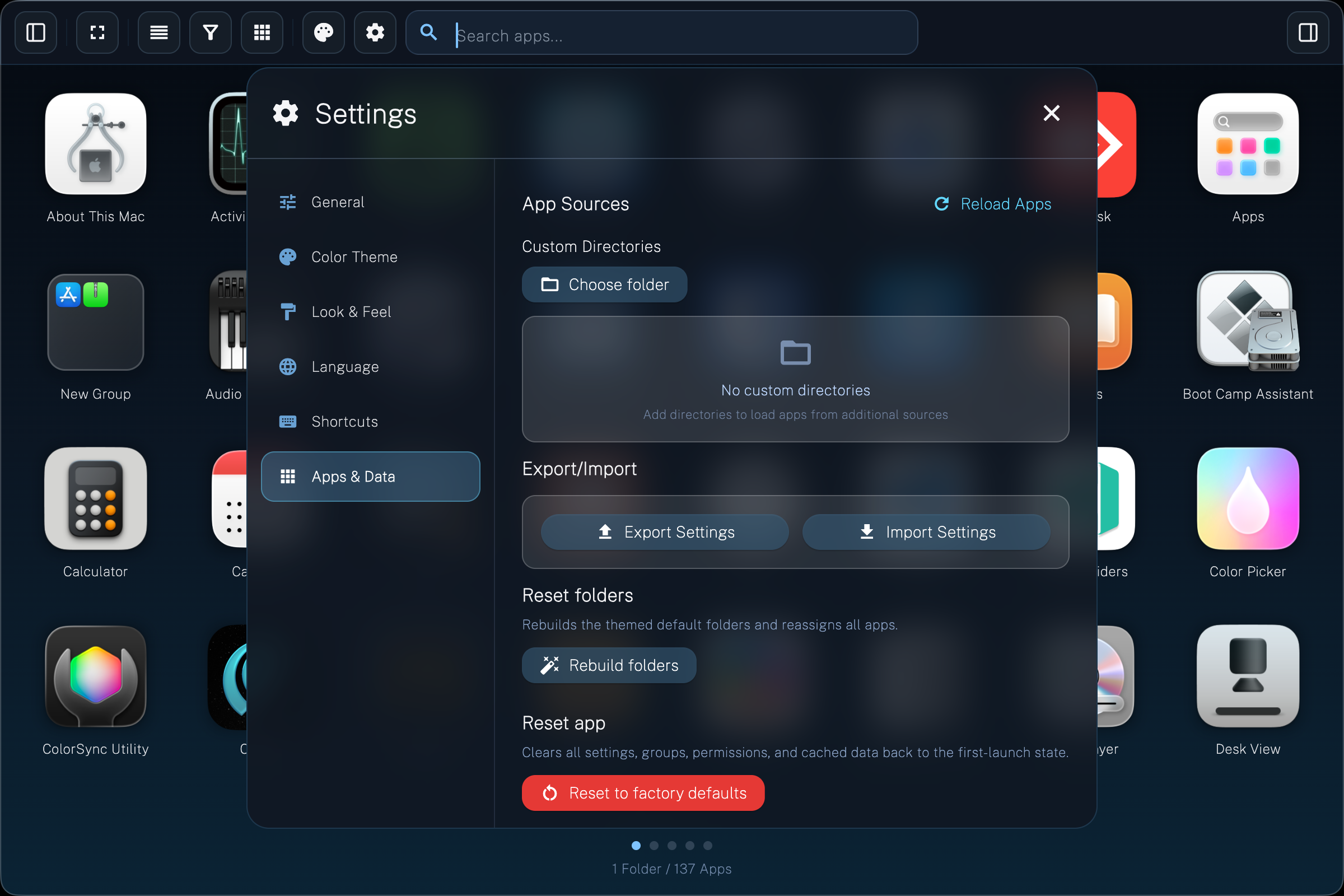
M-Launcher finds more than standard apps. It searches automatically: /Applications, ~/Applications, Parallels Desktop (Windows apps) and additional shared directories. All apps appear in one place – with source labeling.

Global hotkey & menu bar icon

⌨️ Global Hotkey & Menu Bar

Open M-Launcher anytime with ⌥ Space (or your preferred shortcut). Further shortcuts: ⌘ F for search, ⌃ Tab to switch groups, Enter to launch. The menu bar icon offers quick access to groups and settings.

16 languages worldwide

🌍 16 Languages Worldwide

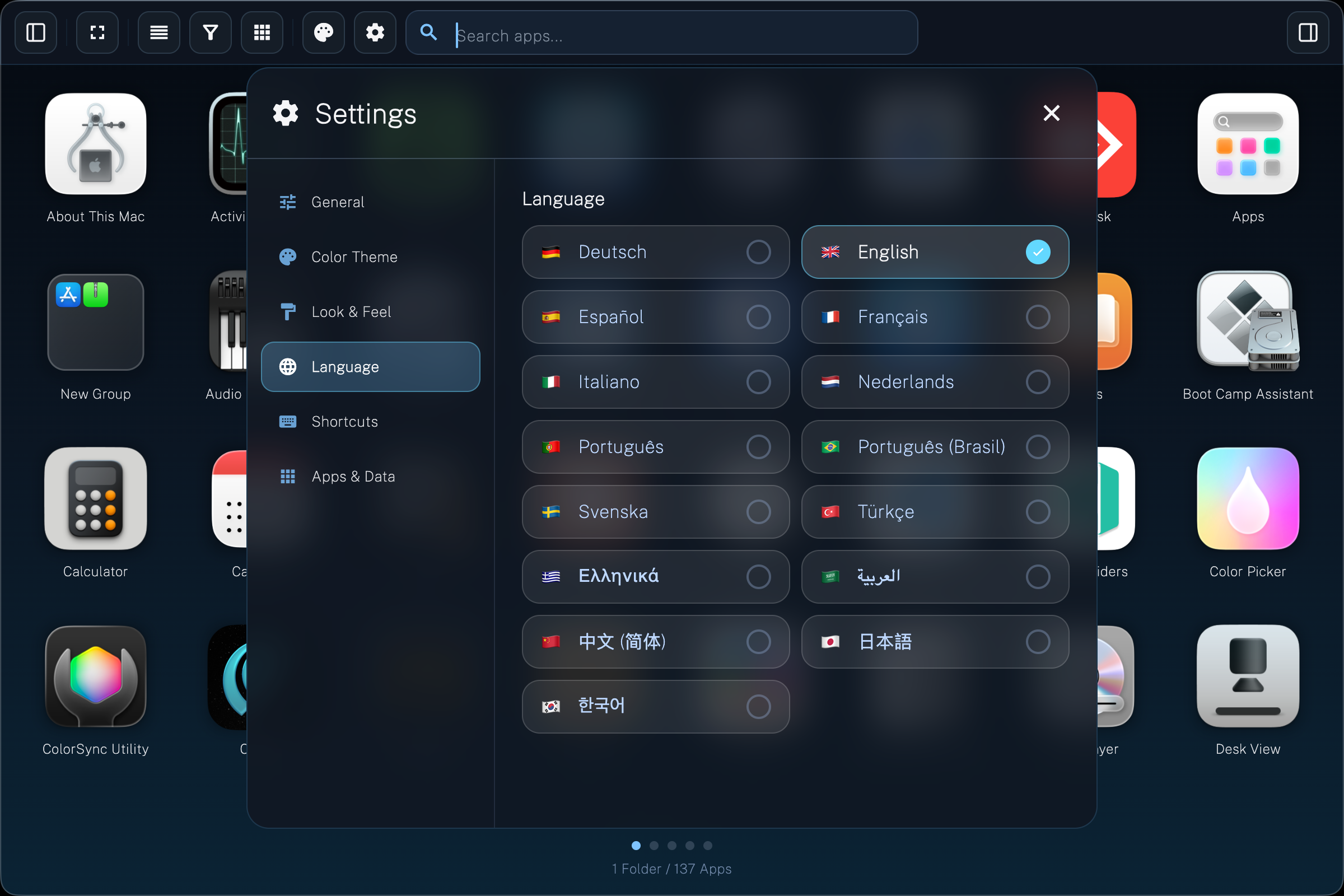
DE, EN, FR, ES, IT, NL, PT, RU, SV, TR, AR, EL, ZH, JA, KO – so international teams can work with a launcher that feels local. Localized folder names included. Language follows the system or is set manually.

Free vs Pro

All Features Compared

Start for free and upgrade anytime for all professional features.

Feature Free Pro
🖥️ WINDOW & INTERFACE
App Launcher View
Clear app grid with Explorer & detail sidebar
4 Window Sizes & 16 Languages
Small, Medium, Maximized, Fullscreen – multilingual support
Variable Icon & Folder Size
Adjust size of icons and folders
Variable Icon & Folder Spacing
Grid spacing as you like: compact or airy
Explorer Bar
Explorer bar for quick access
Sidebar
App details and folder contents in sidebar
📁 ORGANIZATION & VIEWS
Folders & Tabs
Organize apps in groups
Max. 4 Unlimited
Display as Folders or Tabs
Switch between folder and tab view
5 View Modes
Custom, Predefined Categories,
Favorites, Most Frequently Used, Grouped by Path
Manual Sorting
Arrange apps via drag & drop
A–Z Sorting
Sort apps alphabetically
Custom DirectoriesPRO
Scan additional app folders
Auto-suggested DirectoriesPRO
e.g., apps from your user account or Windows apps from Parallels
🎨 DESIGN & THEMES
Themes
Background image, gradient, adjustable blur
5 Themes 38+
Adjustable Font Size
Customize text size in grid and sidebar
Custom Background ImagePRO
Personal image as background
Customize Tray IconPRO
Change menu bar icon
⚙️ APP MANAGEMENT
Rename AppsPRO
Assign custom names for apps
Hide AppsPRO
Hide unwanted apps
Show in FinderPRO
Open app path directly
💾 BACKUP & SETTINGS
Export & ImportPRO
Save & transfer settings

Get the professional Launchpad alternative for Mac.